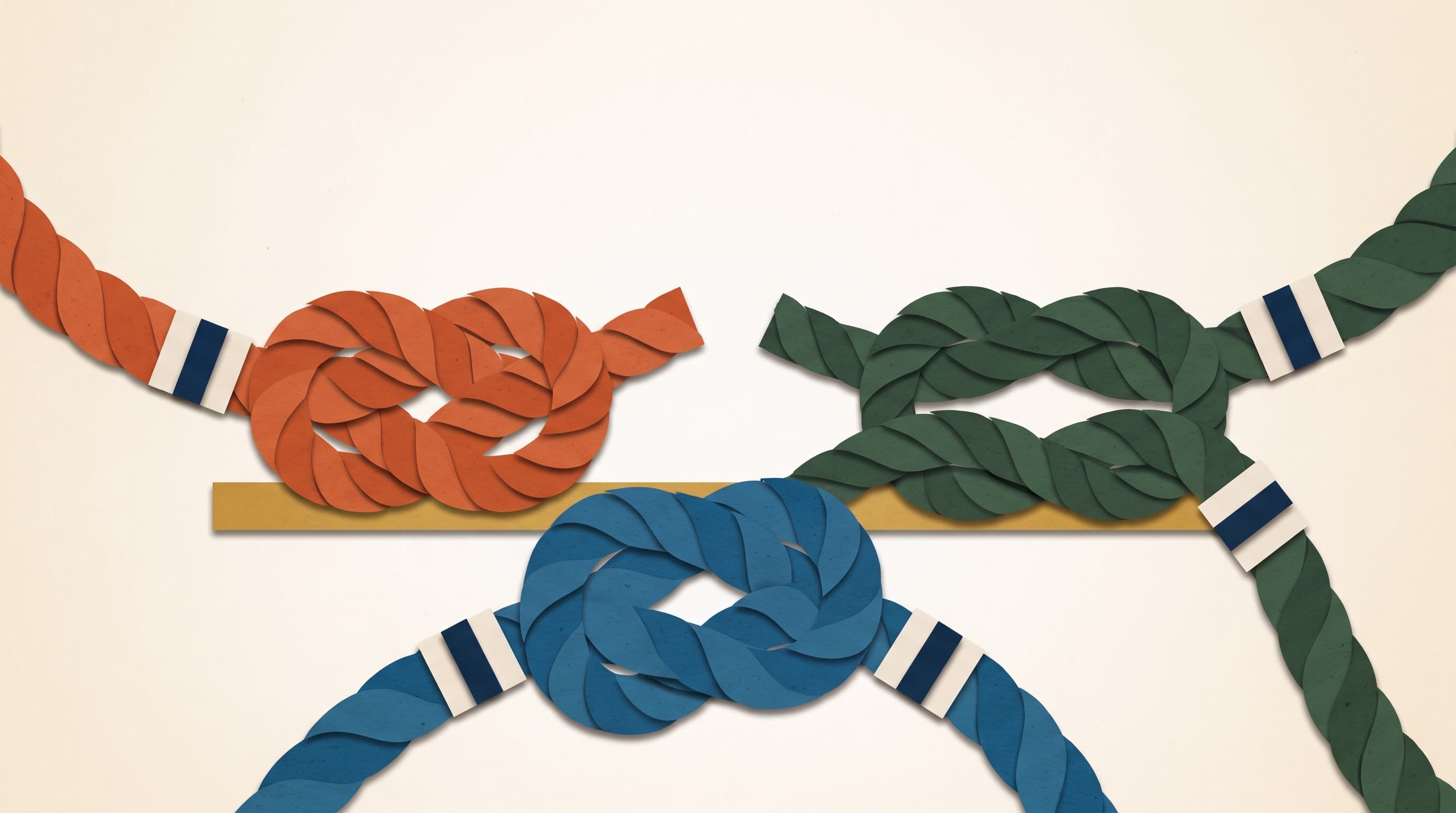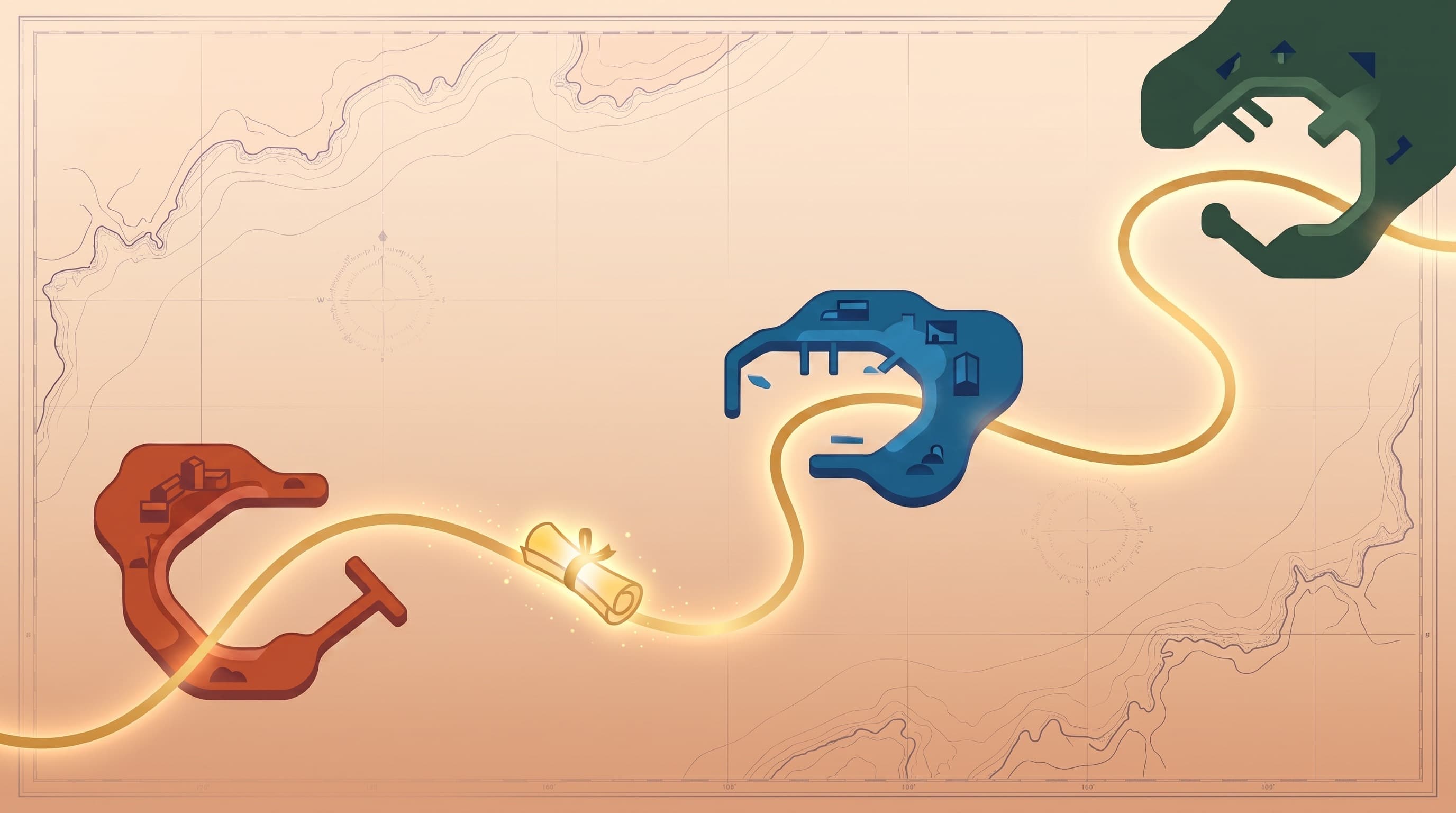
You spent a year teaching ChatGPT who you are. Then Claude shipped something you wanted, or your company standardized on Gemini, or the model you'd built a habit around got worse at the one thing you used it for.
So you open the new tool. And it asks what you do for a living.
The question people type at that moment is usually some version of how do I move my ChatGPT memory to Claude. It's the right instinct. The answer is just not the one the question expects.
How do you move your AI context between ChatGPT, Claude, and Gemini?
You don't move it. You rebuild it once, in a file you own, and load that file into all three.
There is no export that hands ChatGPT's memory to Claude, and no import on the other side that would accept it. Every major assistant stores what it knows about you in its own format, inside its own account, and none of them publish an interchange standard for it. Memory is a retention feature, not a portable data type.
What travels between tools is plain text. That's the whole trick, and it's less of a downgrade than it sounds.
| What you have now | Does it travel? | Why |
|---|---|---|
| Saved memories | No | Proprietary storage, no export another tool can read |
| Custom instructions | By hand | Copy-paste works, but you're now maintaining three copies |
| Project or Gem instructions | Partly | Uploaded files move; the wiring around them doesn't |
| Chat history | Technically | Exports are transcripts, and nothing ingests a transcript as context |
| A markdown file you own | Yes | Every model reads text, including the ones not released yet |
Why there's no export button
Two reasons, and only one of them is corporate.
The commercial reason is obvious enough. Memory is what makes an assistant feel like yours, and the cost of leaving is a feature rather than a bug. No vendor is racing to build the pipe that empties its own moat.
The technical reason matters more. What's stored isn't a portrait of you, it's a pile of fragments a model wrote down mid-conversation because something seemed worth keeping. "User is planning a trip to Porto in October." "User prefers bullet points." Individually true, collectively incoherent, and weighted heavily toward whatever you happened to discuss in the last few weeks. Even a perfect export would carry all of that noise across the border with it. ChatGPT's memory and a real context file are different objects, and the difference is exactly why a migration tool wouldn't help much.
So the move isn't a transfer. It's a harvest.
Step one: read what your tools already know
Open the assistant you've used longest and find its memory or personalization settings. In ChatGPT that lives under personalization, where saved memories are listed and individually deletable. Claude and Gemini each have their own version, in their own settings, under their own names.
Read the whole list. Most people have one of two reactions — surprise at how much is in there, or surprise at how thin it is after a year of daily use. Both are useful.
Copy anything still true into a blank document. Skip the trip that already happened and the project that already shipped.
Then go get what the settings missed, which is most of it. Ask the model directly: based on everything in our conversations, what have you learned about how I work, what I'm building, and how I like to be answered? Keep what's right, correct what's close, delete the flattery. That excavation is context mining, and it's what separates a real move from a copied paragraph.
Step two: rewrite the scraps into something durable
A pile of harvested memory lines is not yet context. It's inventory.
The sort that makes it useful is simple. If a line would still be true in six months, it belongs in a permanent file. If it's a fact about a particular Tuesday, it's a note, and notes go stale. Run everything you harvested through that filter and most of it falls out. What's left is worth carrying between tools for years.
Then give the survivors structure. Context anchors are the format RUMO uses for this: separate documents for your values and priorities, your voice, your material, the people around you, where things stand right now, and how you got here. Six files instead of one, so you can update the one that changed without rewriting the rest.


If you'd rather not commit to a structure yet, one file is genuinely fine to start. What goes in it matters more than how many pieces it's split into.
Step three: load a copy into each tool
Here's where the tools stop being interchangeable, so it's worth knowing the shape of each slot.
| Where it goes | Good for | Watch out for |
|---|---|---|
| Custom instructions | A baseline that follows you into every new chat, in every tool | Tight character limits, so this holds the compressed version |
| Projects and persistent workspaces | Long-running work where the full files should always be in scope | Scoped to one tool; the setup doesn't move with you |
| Pasted at the top of a session | Anything important enough to want everything in front of the model | Manual, every time, and easy to forget |
Most people end up using all three. Compress the essentials into custom instructions in each assistant so you never start from zero. Attach the full files to a project or workspace for work that runs for months. Paste everything in by hand when the stakes justify it.
The pattern underneath all three is the same one that makes this portable at all. You own the source. The tools get copies.
The failure mode is three copies that no longer agree
This is where the whole thing quietly falls apart, and it doesn't announce itself.
You edit your custom instructions in ChatGPT because something changed. Two months later you tweak the project instructions in Claude. A month after that you fix something in Gemini. Now three tools describe three slightly different people — none of them current — and the file on your drive is the oldest of the four.
The discipline is one sentence: the file on disk is the truth, and every tool holds a copy. Change the source first, then refresh the copies. It takes a minute, and it's the difference between portable context and a mess that happens to be duplicated.
Refresh on a real trigger rather than a calendar. New role, new client, finished project, changed mind about something that shapes the work. Those are the moments the file is wrong, and a wrong file is worse than a thin one, because the model will act on it with total confidence. Everything else is ordinary drift, and drift is fixed by re-pasting, not rewriting.
Do it once, in an afternoon
Budget an hour. Twenty minutes reading what your current tool has stored and asking it what else it knows. Thirty minutes rewriting the survivors into files that will still be true next spring. Ten minutes pasting copies into every assistant you use. You can build the first one free at /anchors/constitution.
The point isn't that you're switching from ChatGPT to Claude today. It's that you'll switch again, and again, because the frontier keeps moving and the tool worth using keeps changing. Compared across every way to give AI context, a file you own is the only one that survives that.
Then the next tool asks what you do for a living, and it's not a year of work to answer. It's a paste, and the whole setup runs about ten minutes.
Frequently Asked Questions
- Can I transfer my ChatGPT memory to Claude?
- Not directly. There is no export from ChatGPT's memory that Claude or Gemini can import, because each assistant stores what it knows about you in its own private format inside its own account. What you can do is read your saved memories, copy the parts worth keeping into a document you own, and load that document into whichever tool you're using.
- What actually travels between AI tools?
- Plain text. A markdown file describing who you are, how you work, and what you're building will load into ChatGPT, Claude, Gemini, and anything released next year, because every assistant accepts text. Saved memories, per-tool settings, and the wiring of a project or a custom GPT do not travel. Files do.
- Is there an export button for AI memory?
- No assistant currently offers a memory export that another assistant can read. Most vendors let you download your account data, which includes conversation history, but that archive is a transcript dump rather than a portrait of you. Nothing consumes it as context, so the useful step is extraction by hand, not a file transfer.
- What format should my AI context file be in?
- Markdown, saved somewhere you control. It's plain text, so every model reads it natively, and the headings give it structure a model can navigate. Avoid PDFs and formats tied to one app. One file per topic beats one enormous file, because you'll want to update pieces independently.
- How do I keep the same context in three different AI tools?
- Keep one source file and treat every tool as holding a copy. When something changes, edit the source, then re-paste or re-upload it where it lives in each tool. The failure mode is editing inside one tool's settings panel, which quietly leaves you maintaining three versions that no longer agree.