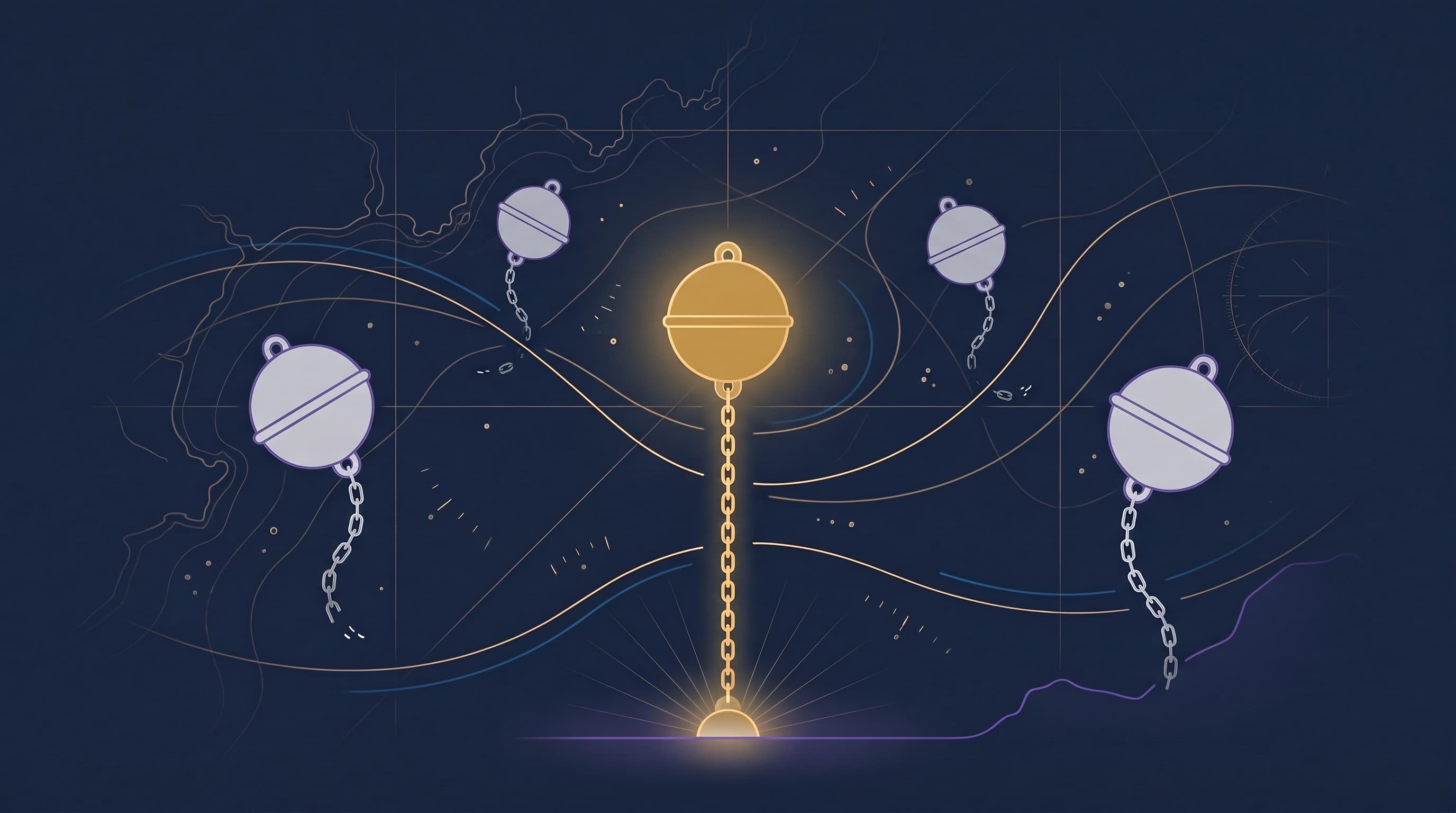
Open ChatGPT today and it might greet you like an old friend. It remembers you're working on a book. It knows you like tight sentences and hate corporate filler. It's picked up that you've got a teenager and a dog and a move on the horizon. Memory, the feature is called, and it's genuinely useful, and for a few weeks it feels like the forgetting problem is finally solved.
Then you open Claude to draft something, and you're a stranger again. You spin up a custom GPT for a side project and have to explain yourself from scratch. The memory was real. It just lived in one room of a house with a lot of rooms.
That's the wall most people hit once they start taking AI seriously across more than one tool. The models are all racing to remember you, and every one of them is keeping its notes in its own private notebook that none of the others can read. If you want the full lineup, here's every major memory tool compared.
Does ChatGPT remember you between chats?
Yes, but only inside ChatGPT, and only the parts it decides to keep. ChatGPT's memory quietly logs details across your conversations — preferences, recurring topics, a few facts about your life — and pulls them forward when it judges them relevant. It's automatic, it's mostly invisible, and you don't really steer what makes the cut. If you want the hands-on version, here's how to make ChatGPT remember you — turning the feature on, feeding it, and getting the most from it.
That last part is the quiet catch. The memory isn't your account of yourself. It's the model's running summary of you, assembled from whatever you happened to mention, and you only ever see it through a small settings panel that lists the fragments it chose to keep. Helpful, sure. But it's a sketch the model drew, not the picture you'd draw.
What Claude Projects and custom GPTs actually do
Claude Projects and custom GPTs solve the same problem from the other direction: instead of the model guessing, you hand it context on purpose. You pin instructions, drop in a few files, and everything you do inside that workspace starts from what you set up.
That's a real step up, because now you're in control of what the model knows, and it's worth doing well — we walked through the full setup, and where it stops, for Claude Projects and for ChatGPT Projects. But notice the shape of it. The context is bolted to that one project, in that one tool. Build a beautiful setup inside a Claude Project, and Claude is sharp. Then open ChatGPT, or a custom GPT, or next year's tool that doesn't exist yet, and none of it comes with you. You did the work once and the work stayed behind.
Why your AI still forgets the real you
Here's the thread that ties it together. Every one of these features keeps its picture of you locked to its own platform.
So you don't have one self that your tools share. You have a half-dozen partial sketches scattered across a half-dozen apps — what ChatGPT happened to log, what you pinned in Claude, what you typed into a custom GPT back in March and have since forgotten. Each one knows a sliver. None of them knows the whole, and you're the only thing they have in common.
And the sketches are thin. Auto-memory captures preferences and stray facts, the easy stuff, the surface. It doesn't hold the things that actually make your work sound like yours: the way you build an argument, the stories you reach for, the principles you won't bend on, the people whose opinions you weigh. The real you is a lot more than a list of settings the model happened to save.
How a context anchor is different
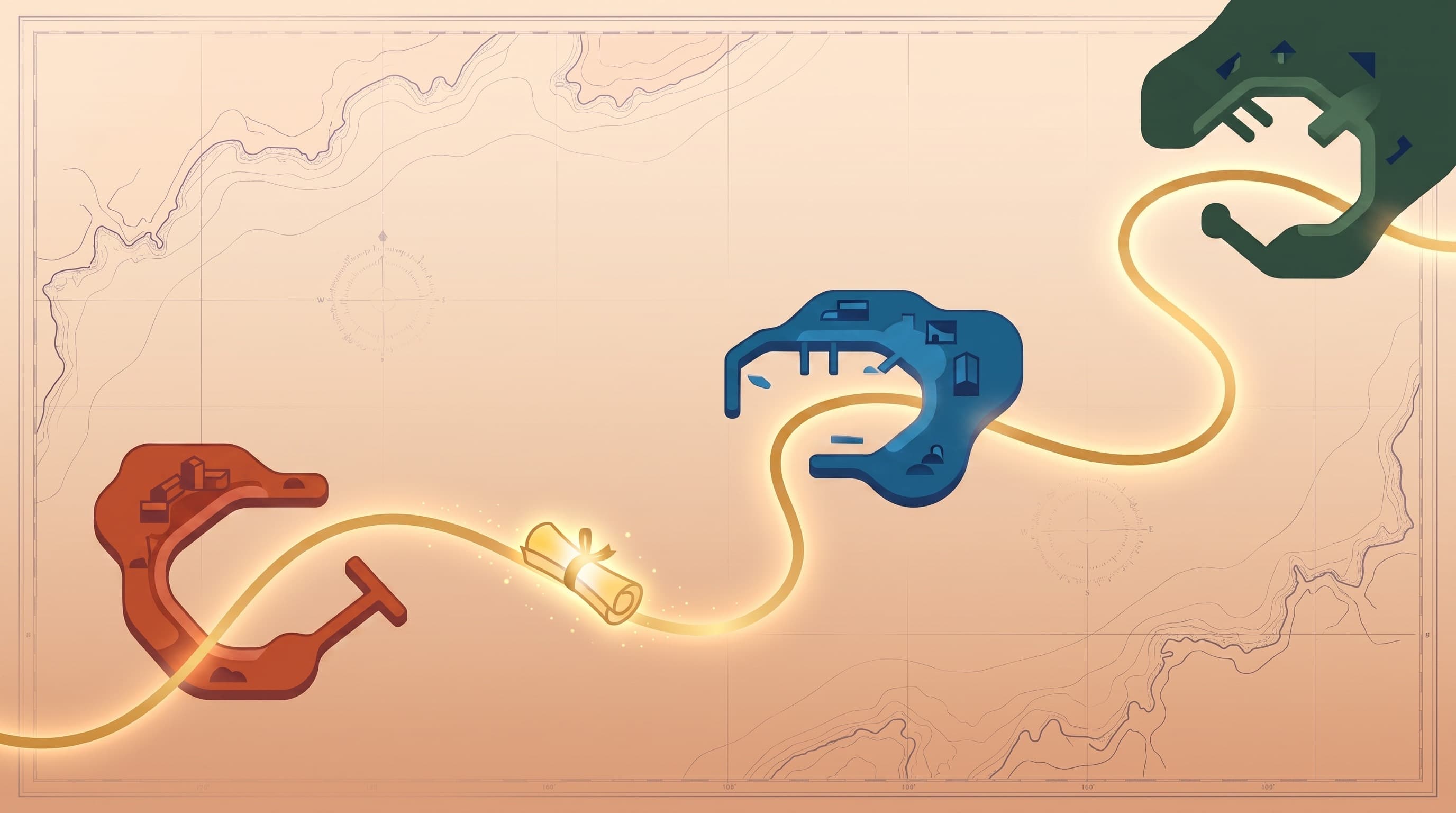
A context anchor flips who owns the memory. Instead of each tool keeping its own private notes on you, you write the durable facts down once — who you are, how you sound, what you're building, who's in your orbit — in a plain document you control, and you carry it to whatever model you're using that day.
The difference is ownership and reach. ChatGPT's memory is the model's, and it stays in ChatGPT. A Claude Project is yours, but it stays in Claude. An anchor is yours and it goes everywhere, because it's just structured text. Paste it into a chat, wire it into custom instructions, drop it into a project. The tool changes. The context doesn't. You stop rebuilding yourself inside every new app and start showing up the same in all of them. And when you do switch, there's no export to sit and wait for, because the move is a copy you already own.
Where RUMO fits
I built RUMO because I was already living this problem by hand, and it was a mess.
I had pieces of myself scattered everywhere — fragments in ChatGPT's memory, instructions pinned in one Claude project, half-finished prompts in a notes app I could never find — and every new tool wanted me to start over. So I built the system I wished existed: six context anchors you write once and keep current, covering who you are, how you write, what's happening now, your stories, your timeline, and the people who matter. They live in one place, and they drop into whatever AI you open.
Let the tools keep their convenient little memories. The real picture of you should belong to you.
Start with one
Go back to that moment ChatGPT greeted you like it knew you, and remember how quickly it evaporated the second you switched tabs. A sharper memory feature inside one app won't close that gap. What closes it is a picture of yourself that doesn't live inside any single tool, so it's there every time you open a new one.
If you want the longer story on why this works, start here. If you'd rather just build the thing, start with one anchor. The free one. You can write it this afternoon, and the next tool you open won't have to meet you cold.
Frequently Asked Questions
- Does ChatGPT remember me between chats?
- Yes, but only inside ChatGPT, and only the parts it decides to keep. ChatGPT's memory automatically notes preferences and recurring details across your conversations and pulls them forward when it judges them relevant. You don't fully control what it saves, and that memory doesn't travel to Claude, Gemini, or any other tool.
- Is ChatGPT memory the same as a context anchor?
- No. ChatGPT memory is the model's own running summary of you, kept on OpenAI's platform and editable only loosely. A context anchor is a plain document you write and own, structured the way you want, that you can drop into any AI tool. One is the model's guess about you; the other is your account of yourself.
- What's the difference between Claude Projects and Context Anchors?
- A Claude Project pins instructions and files to one workspace inside Claude, which is useful but stays locked to Claude. A context anchor is the same idea made portable: you write your durable context once and reuse it across Claude, ChatGPT, Gemini, custom GPTs, and agents, instead of rebuilding it inside each tool.
- Do context anchors work across different AI tools?
- Yes. A context anchor is a plain, structured document, so it works anywhere you can paste text or set instructions — Claude, ChatGPT, Gemini, Perplexity, custom GPTs, and agents. That portability is the whole point: write it once, use it everywhere.
- Should I rely on ChatGPT memory or write my own context?
- Use both, but don't mistake one for the other. Let ChatGPT memory handle the small conveniences inside ChatGPT. For the durable picture of who you are, write it down yourself in a context anchor you control, so it's accurate, portable, and there the next time you open a different tool.