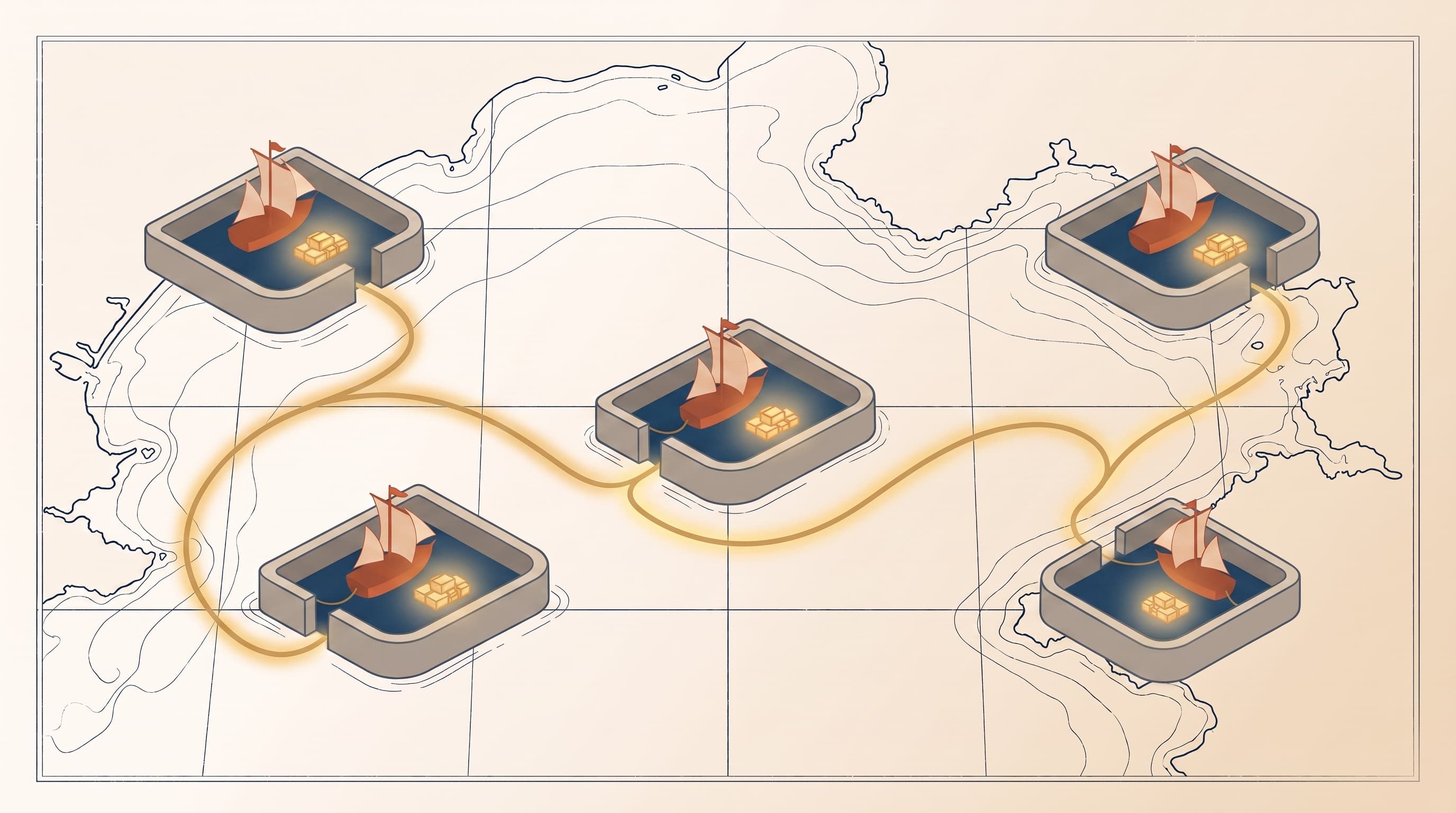
You told ChatGPT something real once. Maybe how you like your emails. Short, no throat-clearing. Maybe that you're mid-move and every decision runs through that filter. It remembered. For a while there, it actually felt like it knew you.
Then you opened Claude to draft something, and you were a stranger again.
That gap, between a tool that remembers you and one that's meeting you for the first time, is the whole problem. And the way you close it matters more than which model you pick. So let's put the real options side by side.
The short answer
The best way to give an AI lasting memory is to stop relying on the AI to hold it. Write your context down yourself — who you are, how you work, what you sound like — in a plain document you own, and carry it into every tool.
The built-in memory features aren't useless. Some are genuinely good. But each one keeps its notes in a private room the other tools can't read, and that's the ceiling you keep hitting. A context anchor you wrote once works in ChatGPT today and in whatever replaces it next year, because it belongs to you instead of the platform.
The options, side by side
| Tool | What it is | Travels across tools? | Do you control it? | Where it breaks |
|---|---|---|---|---|
| ChatGPT Memory | The model's running notes on you | No, stays in ChatGPT | Loosely | Never reaches Claude or Gemini |
| Claude Projects & memory | Context you pin inside a workspace | No, stays in Claude | Yes | Rebuilt in every other tool |
| Gemini (Saved Info + Gems) | Google's per-account memory | No, stays in Google's apps | Partly | Locked to the Google stack |
| Custom instructions / GPTs | A setup you write per tool | No, one copy per tool | Yes | You maintain it several times over |
| Portable context anchors | Plain documents you write once | Yes, any tool | Yes | You have to write it (once) |
Two columns carry the whole table: can you take it everywhere, and does it actually belong to you. Hold onto those. They're what separate a memory that scales from one that quietly traps you.
ChatGPT Memory
ChatGPT is the one that made memory feel normal. It quietly notes things across your chats: your job, your preferences, the project you keep bringing up. Then it pulls them forward when it thinks they're relevant. No effort on your part. Genuinely handy.
But it's the model's sketch of you, assembled from whatever you happened to mention, and you edit it through a little settings panel. More to the point, it never leaves the building. What ChatGPT knows about you doesn't reach Claude, doesn't reach Gemini, doesn't reach the tool you'll be using a year from now. I went deep on exactly where ChatGPT memory stops if you want the long version.
Claude Projects and memory
Claude comes at it from the other direction. Instead of guessing, you hand it context on purpose. You pin who you are inside a Project, and everything you do in that workspace starts from it. Anthropic layered memory on top of that too, so recent Claude holds more than it used to.
It's precise, and you're the one in control, which is a real step up from hoping a model guessed right. But the context is bolted to Claude. Build a beautiful Project and Claude is sharp. Open ChatGPT and you're back to a blank slate. Do this across every tool you touch and you're not maintaining your context anymore. You're maintaining copies of it.
Gemini
Gemini keeps its own memory too, through saved info you set and Gems, Google's take on custom setups. If you live inside Google's apps, it's convenient, and it's improving fast.
Same ceiling, though. It knows you in Gemini and nowhere else. Your context sits in Google's stack the way ChatGPT's sits in OpenAI's: useful in one place, invisible everywhere else.
If Gems are where you're starting, we went through how to build one and where they stop in detail, including the one thing they do better than anybody else. And if you want the memory features themselves lined up row by row, here's Claude memory vs ChatGPT memory vs Gemini memory.
Custom instructions and GPTs
Then there's the power-user move. You write it down yourself, inside the tool. Custom instructions in ChatGPT, a custom GPT, a system prompt in your setup of choice. Now you decide what the model starts with instead of hoping it pieced you together right.
This is the closest any built-in option gets to the real answer, because you're finally writing the durable stuff down. The catch is where you're writing it. A custom instruction lives in one tool. Set it up in four places and you've written yourself out four times, and the day you change jobs you go update all four. You did the work. The work just didn't travel. That's the difference between handing a tool instructions and giving it direction.
The one that travels: portable context anchors
Every option above does one thing right and one thing wrong. The right thing: giving the model real context instead of making it guess. The wrong thing: sealing that context inside a single tool.
Portable context anchors fix the wrong thing. You write the durable facts about yourself once — your values, your voice, what you're building, who's in your orbit — into a plain document you keep. Then you carry it to whatever model you're using that day. The tool changes. The context doesn't. It's just text, so it drops into ChatGPT, Claude, Gemini, or next year's tool without rebuilding a thing. There are six anchors in all, each a different durable piece of you, and the idea under every one is the same: write it down, own it, reuse it everywhere.
So which should you use?
Honestly, some of each. Let ChatGPT's memory handle the small conveniences. Build a Claude Project where you genuinely live in one tool. Use custom instructions where they earn their keep.
The thing is, none of those is your foundation, because none of them travels and none of them is fully yours. The layer you want underneath all the others is the portable one, the context that's there no matter which tab you open, because you wrote it and you kept it. Get that right and the rest are conveniences stacked on top. Skip it, and you're a stranger again every time the tool changes. If you want the fuller map of every way to give AI context, it's laid out here.
Start with one
Go back to that moment you opened a new tool and had to introduce yourself all over again. The fix isn't a better memory feature buried in someone else's settings. It's one document that belongs to you.
So write the first one and feel the difference. Start with the Personal Constitution — your values and how you work, the foundation the rest stands on. It's free, it takes about thirty minutes, and the moment it's written it works in every tool you open. Not for one app. For all of them, and for whatever you're using when today's tools are the old ones.
Frequently Asked Questions
- What's the best way to give AI long-term memory?
- Write your context down yourself, in a plain document you own, and reuse it in every tool. Built-in memory features like ChatGPT's are convenient, but each one keeps its notes locked inside a single app. A portable context anchor — your role, voice, and situation written once — works in ChatGPT, Claude, Gemini, and whatever tool comes next, because it's just text you carry with you.
- Does ChatGPT remember you between conversations?
- Yes. ChatGPT's memory feature notes things across your chats and pulls them forward when it decides they're relevant, and it can also use custom instructions you set. But that memory stays inside ChatGPT — it never reaches Claude, Gemini, or any other tool. It's the model's running sketch of you, editable only through a settings panel, and it stops at OpenAI's walls.
- Can I use the same AI memory across ChatGPT, Claude, and Gemini?
- Not with built-in memory. ChatGPT memory, Claude Projects, and Gemini's saved info each live inside their own tool and can't read each other. To have the same context in all three, you write it down yourself in a portable document — a context anchor — and paste or wire it into each tool. The context travels because you own it, not the platform.
- What's the best alternative to ChatGPT memory?
- A portable context anchor. Instead of relying on ChatGPT to remember you inside its own walls, you write your durable context — values, voice, situation — into a plain document you keep, then reuse it everywhere. It does what ChatGPT memory does, minus the lock-in: the same you shows up in every tool, and it still works when you switch.
- How do I make AI remember me across different tools?
- Stop relying on any one tool to hold your memory. Write the durable facts about yourself down once, keep them in a document you own, and carry that into whatever model you're using. The fastest way to start is the free Personal Constitution — your values and how you work, captured in about thirty minutes, ready to drop into any AI you open.